

아이디어를 다음 이미지로
하나의 모델 패밀리, 두 가지 시작점
새로운 비주얼이 필요할 때는 설명으로 시작하세요. 사진, 스케치 또는 기존 디자인이 다음 결과를 이끌어야 할 때는 이미지 투 이미지로 전환하세요. 참조와 작성한 지침이 함께 작동하지만, 정확한 보존은 보장되지 않습니다.
일상적인 언어로 편집을 설명하세요
변경할 부분과 유지할 부분을 설명하세요. 배경 교체, 조명 변경 또는 소재 변경처럼 한 가지 조정 사항을 명확히 요청하면 결과를 더 쉽게 평가할 수 있습니다. 결과를 사용하기 전에 원본과 세부 사항을 비교하세요.
이미지 모델 선택
모델 선택기에는 이 워크스페이스에서 활성화된 버전이 표시됩니다. 각 버전은 자체적으로 지원되는 편집 옵션, 출력 설정 및 크레딧 비용을 가지고 있습니다. 모든 모델이 동일한 기능을 가진다고 가정하지 말고 작업에 맞는 버전을 선택하세요.
비교를 통해 비주얼을 발전시키세요
생성 후 구도, 색상, 글자 및 피사체 세부 사항을 검토하세요. 결과를 사용해 다음 지침이 무엇을 다루어야 할지 결정하세요. 정확한 로고나 타이포그래피의 경우 평소 사용하는 디자인 편집기에서 최종 세부 사항을 마무리하세요.
창작 작업 흐름을 위한 이미지 아이디어
제품 장면 탐색
제품 이미지를 사용해 계절 배경이나 조명 방향을 탐색하세요. 유지할 제품 세부 사항을 명시한 다음 실제 품목과 라벨, 비율 및 색상을 확인하세요. 결과는 검토가 필요한 창의적 방향으로 취급하세요.
소셜 및 캠페인 비주얼
새 이미지를 위해 피사체, 설정, 분위기 및 의도한 프레이밍을 설명하세요. 기존 비주얼이 캠페인을 이끌어야 할 때는 참조를 사용하세요. 피사체의 배치와 최종 헤드라인을 위한 여백을 중심으로 프롬프트를 다듬으세요.
디자인 콘셉트 및 일러스트레이션
글로 쓴 브리프를 비주얼 콘셉트로 바꾸거나, 스케치를 사용해 이미지 투 이미지 변형을 이끄세요. 일관된 지침으로 스타일과 재질을 비교하면 창의적 검토에서 차이가 유용해집니다.
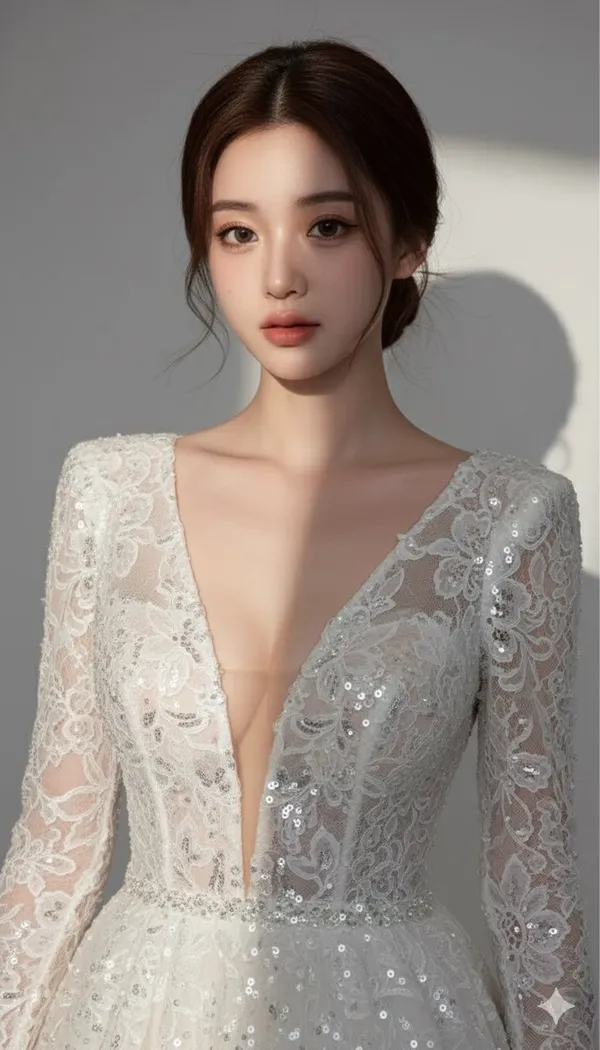
사진 스타일 실험
익숙한 이미지 주변에서 다른 설정이나 비주얼 처리를 탐색하세요. 요청한 변경을 구체적으로 만들고 피사체의 정체성과 세부 사항을 확인하세요. 원본을 보관해 비교하거나 되돌아갈 수 있게 하세요.
AI 이미지 생성기 사용 방법
텍스트 또는 참조를 선택하세요
텍스트 프롬프트로 새 이미지를 만들려면 텍스트를 이미지로를 선택하세요. 기존 사진을 바탕으로 작업하려면 이미지를 이미지로를 선택하고 지원되는 참조 이미지를 추가하세요. 작업을 지원하는 모델을 선택하세요.
결과를 설명하고 설정을 확인하세요
피사체, 구도, 조명 및 스타일을 명시하세요. 편집의 경우 무엇이 바뀌고 무엇이 유지되어야 하는지 설명하세요. 모델에서 제공하는 설정을 선택하고 제출하기 전에 크레딧 비용을 검토하세요.
생성, 비교 및 다듬기
가입 없이 요청을 제출하세요. 기록에서 완료된 결과를 검토하고, 브리프나 레퍼런스와 비교하고, 다음 변형을 위해 더 구체적인 지침을 사용하세요. 기존 자산 컨트롤을 통해 결과를 열거나 다운로드하세요.
더 명확한 이미지 프롬프트 작성하기
피사체 및 구도
피사체와 프레임에서의 위치로 시작하세요. 이미지에 중요한 배경과 조명을 포함하세요. 명확한 설명은 결과를 평가하는 데 유용한 기반을 제공합니다.
변경 및 유지
이미지 편집의 경우 변경할 부분과 보존할 세부 사항을 분리하세요: “세라믹 컵을 나무 책상 위에 놓아 주세요. 파란 유약과 손잡이 모양은 유지해 주세요. 부드러운 창문 빛을 추가해 주세요.” 생성 후 해당 세부 사항을 검토하세요.
하나의 결정을 다듬으세요
결과가 거의 맞다면 다음 요청을 더 부드러운 그림자나 더 단순한 배경과 같은 하나의 문제로 좁히세요. 스타일, 프레이밍 및 피사체를 동시에 변경하면 어떤 지침이 도움이 되었는지 파악하기 어려워집니다.
AI 이미지 관련 질문과 답변
텍스트와 참조 이미지로 이미지를 만들 수 있나요?
생성기에서 모델을 선택하면 지원되는 모드를 확인할 수 있습니다. 텍스트로 새 이미지를 설명하거나, 기존 사진을 바탕으로 작업하려면 지원되는 참조 이미지 워크플로를 선택하세요.
어떤 참조 이미지를 사용해야 하나요?
편집을 이끌고자 하는 피사체와 프레이밍을 보여주는 선명한 이미지를 선택하세요. 미디어 선택기를 사용해 지원되는 이미지를 업로드하거나 기존 에셋을 선택하세요. 거기에 표시된 파일 요구 사항을 따르세요.
모든 것을 바꾸지 않고 이미지를 바꾸려면 어떻게 하나요?
구체적인 조정을 설명하고 유지할 세부 사항을 명시하세요. 원본을 참조로 사용하고 결과를 주의 깊게 비교하세요. 얼굴, 글자, 제품 형상 및 색상은 여전히 바뀔 수 있습니다.
어떤 크기와 해상도를 선택할 수 있나요?
출력 옵션은 선택한 이미지 모델에 따라 다릅니다. 생성기에 표시된 화면 비율과 크기를 사용하고 설정을 변경한 뒤 실시간 크레딧 견적을 확인하세요.
생성에 크레딧이 얼마나 사용되나요?
생성기는 제출 전에 선택한 모델과 설정에 대한 크레딧 비용을 표시합니다. 옵션을 변경할 때마다 해당 금액을 검토하세요. 사용 가능한 요금제와 크레딧 구매는 가격 페이지를 참조하세요.
생성한 이미지는 어디에서 찾을 수 있나요?
로그인 후 기록 탭이나 에셋 페이지를 열어 완료된 생성을 검토하세요. 기존 에셋 컨트롤을 통해 결과를 검사하고 다운로드할 수 있습니다. 지원되는 이미지를 새 편집 요청의 참조로 사용할 수 있습니다.
구매에 대해 환불을 요청할 수 있나요?
해당 구매로 받은 미사용 크레딧이 있고 명확한 사유를 제공하는 경우 환불 정책에 따라 구매 후 10일 이내에 환불을 요청할 수 있습니다. 자격이 있는 경우 미사용 구매는 전액 환불되며, 일부 사용한 구매는 남은 미사용 크레딧에 비례하여 환불됩니다. 전액 사용한 구매와 무료 또는 프로모션 크레딧은 환불되지 않습니다.
크레딧은 만료되거나 이월되나요?
크레딧 유효 기간은 이를 발급한 팩, 구독 또는 프로모션에 따라 다릅니다. 설정 > 크레딧에서 구매 조건과 만료일을 확인하세요. 갱신 또는 신규 구매는 이전 크레딧을 연장하지 않습니다. 명시된 만료 전에 크레딧을 사용하세요. 미사용 구독 크레딧이 무기한 이월된다고 가정하지 마세요.
생성이 실패하면 크레딧은 어떻게 되나요?
시스템 오류로 인해 실패가 확인된 작업에 청구된 크레딧은 자동으로 반환됩니다. 아직 처리 중인 작업은 실패가 확인되지 않은 상태입니다. 다시 제출하기 전에 상태와 크레딧 내역을 확인하세요. 실패가 확인되었는데도 미해결 청구가 표시되면 작업 ID와 함께 support@qwen4max.com으로 이메일을 보내주세요.
결과가 마음에 들지 않으면 크레딧을 돌려받을 수 있나요?
AI 결과는 달라질 수 있으므로, 기대와 다른 완료된 결과가 자동으로 기술적 실패로 간주되지는 않습니다. 해당되는 완료된 이미지 작업은 가능한 경우 환불 옵션을 사용하여 크레딧 환불 검토를 요청할 수 있으며, 승인이 필요합니다. 동영상 또는 기타 문제의 경우 작업 ID와 세부 정보를 포함하여 support@qwen4max.com으로 문의하세요. 크레딧 환불은 크레딧을 반환하는 것이며 결제 수단으로 금액이 환불되는 것은 아닙니다.
결제 또는 생성에 대한 도움을 어떻게 받을 수 있나요?
support@qwen4max.com으로 이메일을 보내주세요. 결제 관련 문의는 계정 이메일과 주문 ID를, 생성 관련 문의는 작업 ID, 문제 설명 및 관련 스크린샷을 포함해주세요. 비회원으로 구매한 경우, 구매 내역을 찾을 수 있도록 원래 브라우저 데이터와 결제 영수증을 보관해주세요.
Qwen4Max로 다음 이미지를 만들어 보세요
아이디어를 Qwen4Max로 가져와 시작 모드를 선택하고 생성 전에 사용 가능한 설정을 검토하세요.
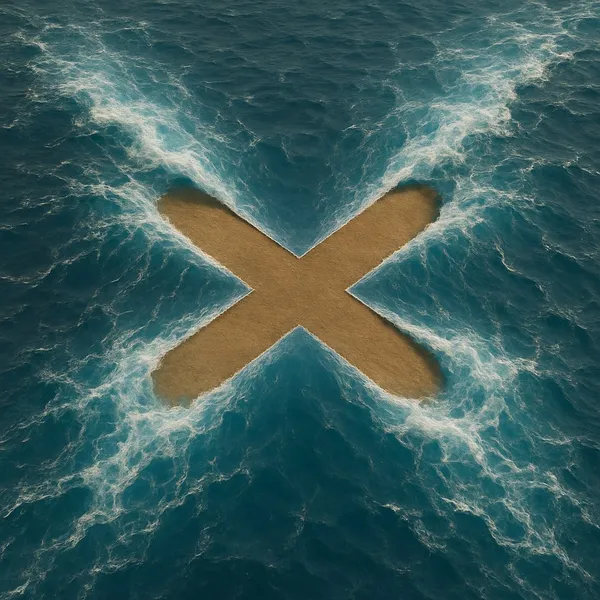
이미지 만들기Surreal Ocean Patterns
프롬프트 보기
te a hyper-realistic image where [SHAPE] shape is formed by the magical parting of [wavy] blue ocean, with the [SHAPE] shape being a [COLOUR] empty land. The top view should show the water being pushed aside by an unseen force, creating the [SHAPE] with an ultra-thin line. The stark [COLOR] color of the [SHAPE] interior should contrast with the vibrant blue water around it, emphasizing the supernatural effect as if the water is being parted to reveal the [SHAPE] shape distinctly.
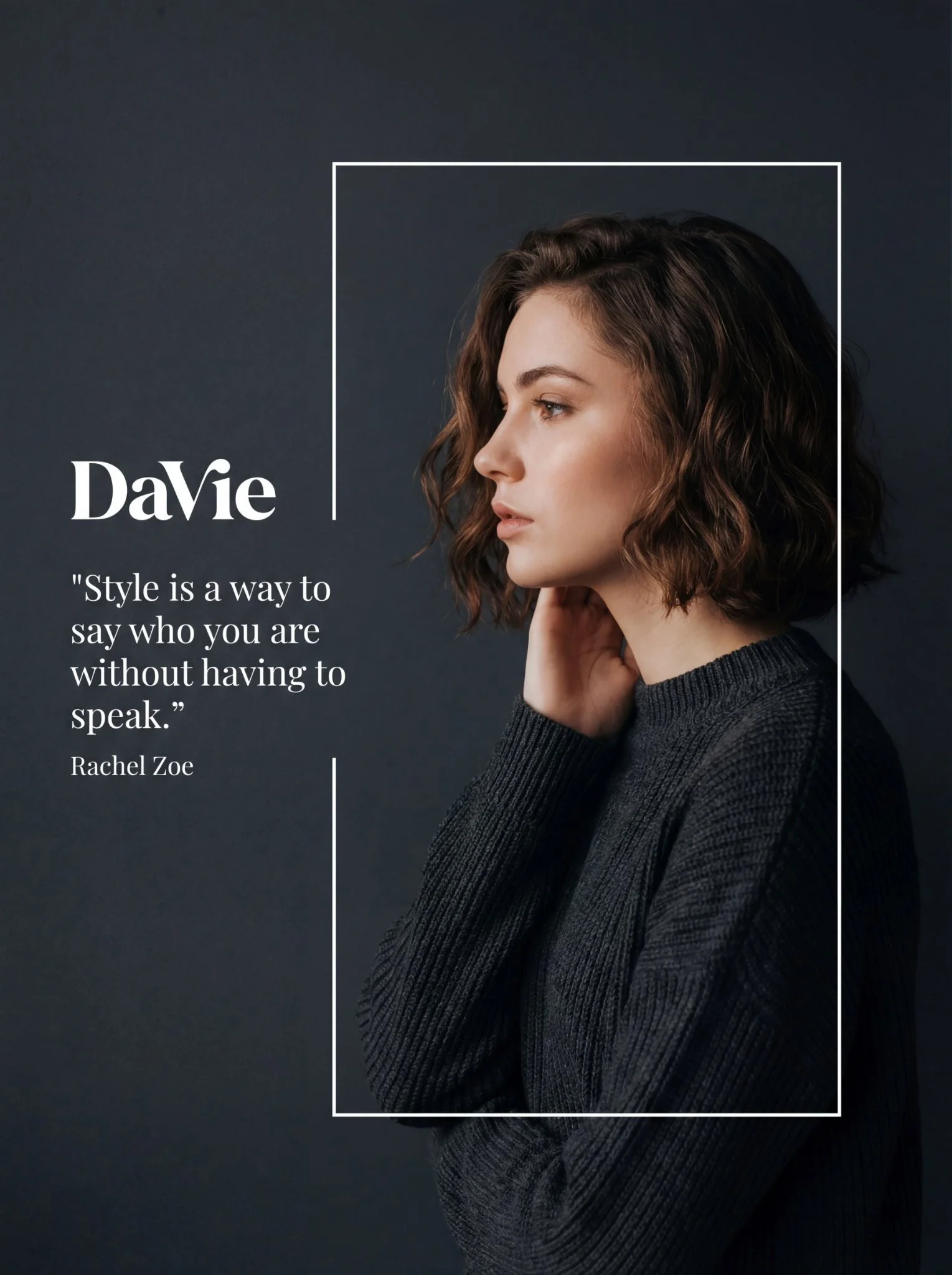
Melancholic White Frame Editorial
프롬프트 보기
Editorial/Fashion Photography with Graphic Overlay. High resolution, likely 1080x1350 or similar portrait aspect ratio. A stylized fashion editorial composition featuring a side-profile portrait of a young woman with short, wavy brown hair. She is framed within a thin white rectangular outline against a dark, matte charcoal-grey background. To her left, outside the frame, is white typography including a logo and a quote. The lighting is soft and moody, highlighting her facial features and hair texture. Studio environment type. Serene, Sophisticated, Melancholic, Elegant atmosphere. Artificial Studio Softbox light source. Front-left relative to the model (illuminating face profile) with subtle rim lighting on hair. Soft, Diffused light quality. Neutral to slightly warm on skin tones color temperature. Eye-level camera angle. Medium close-up (Head and shoulders) framing. Medium depth of field (Subject sharp, background uniform). The model's face in profile and the white typography as focal point. Asymmetrical balance (Text on left, Subject on right) symmetry type. Profile facing left, head slightly tilted up, chin lifted, hand touching neck/chin area pose orientation. Short wavy bob hairstyle. Dark grey ribbed sweater clothing. White thin rectangular frame overlay graphic element. Quote: Style is a way to say who you are without having to speak. - Rachel Zoe. Logo: DaVie.
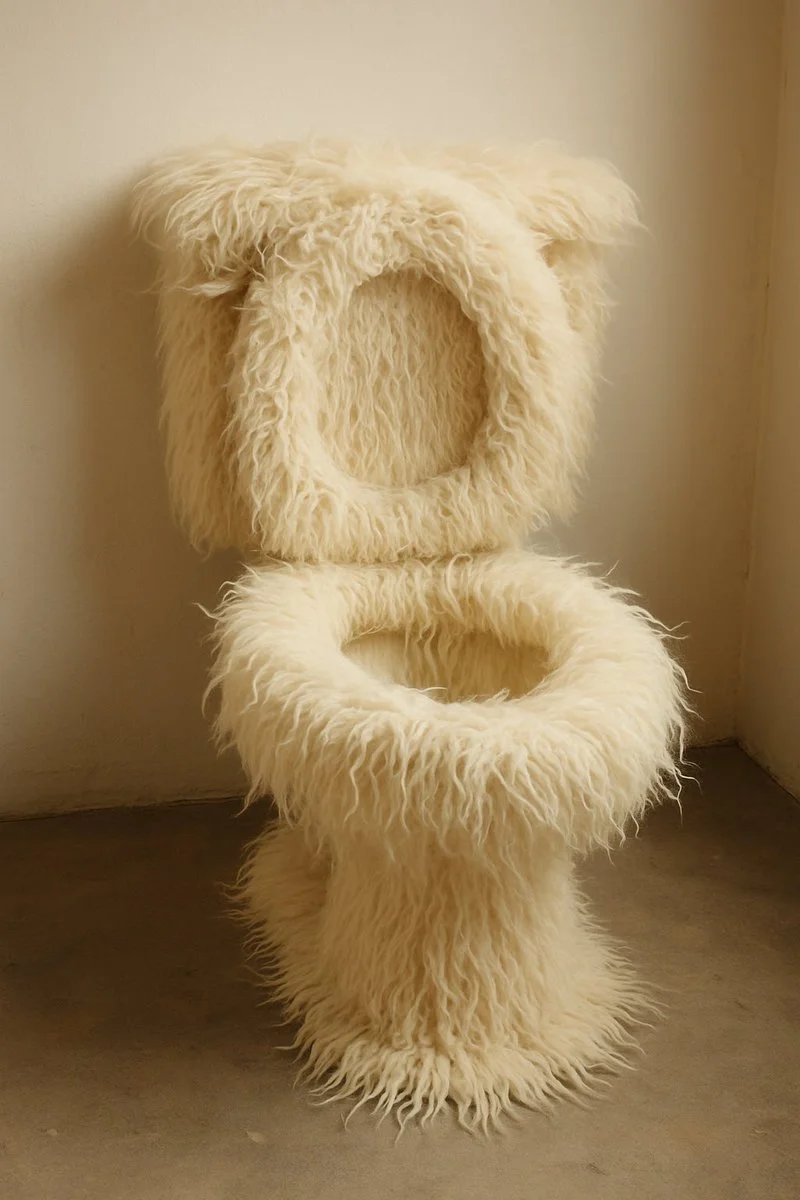
Everyday Items with Skin
프롬프트 보기
A high-quality studio photograph of a [OBJECT] fully covered in ultra-realistic [ANIMAL] texture (e.g., fur, feathers, skin, or scales), placed against a soft neutral background. The object’s original form remains visible but is wrapped in the animal’s natural pattern and surface detail. The image features clean composition, soft shadows, sharp focus, minimalist styling, professional lighting, and highly detailed textures—each hair, feather, or wrinkle should be visible. Format 1:1.
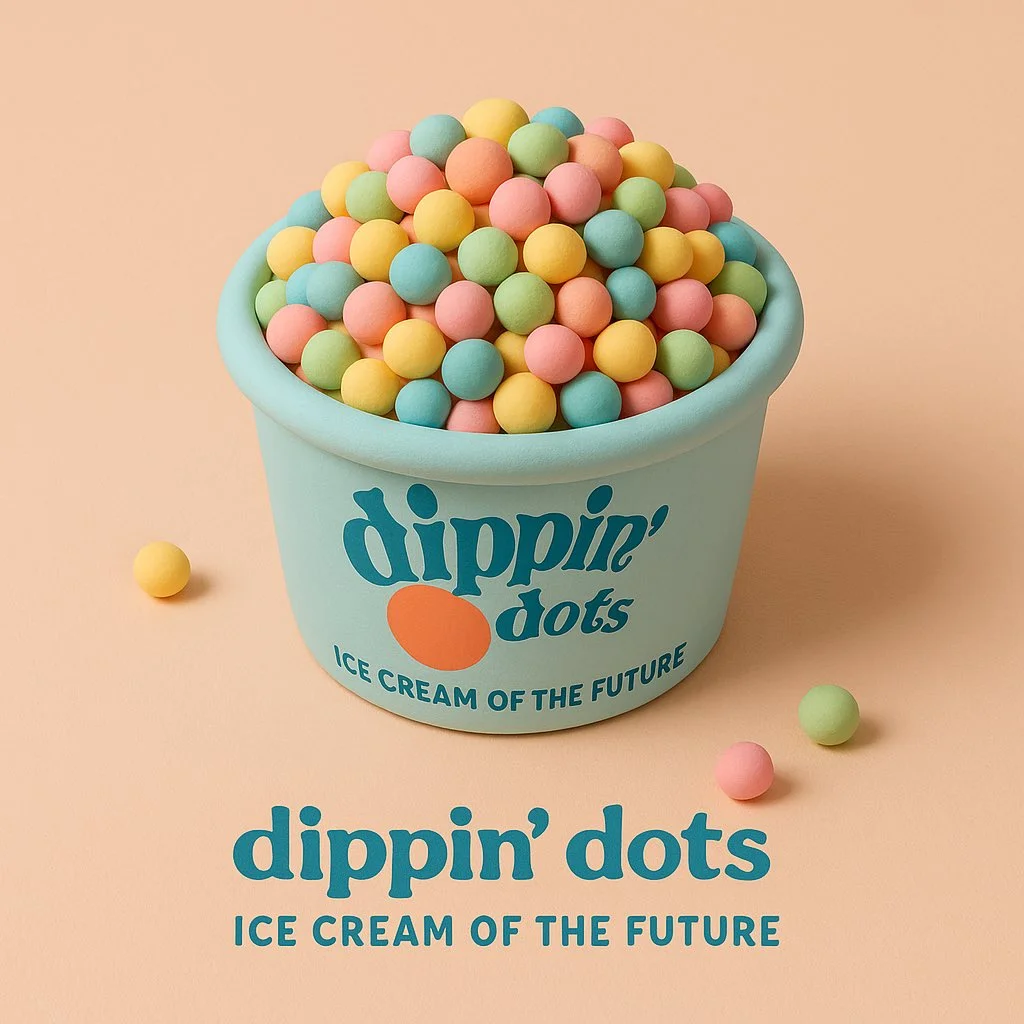
3D Cartoon Sculpture Style
프롬프트 보기
a soft 3D cartoon-style sculpture of [brand product], made of smooth clay-like textures and vibrant pastel colors, placed in a minimalist isometric scene that complements the product’s nature, clean composition, gentle lighting, subtle shadows, with the product’s logo and a 3-word slogan displayed clearly belo
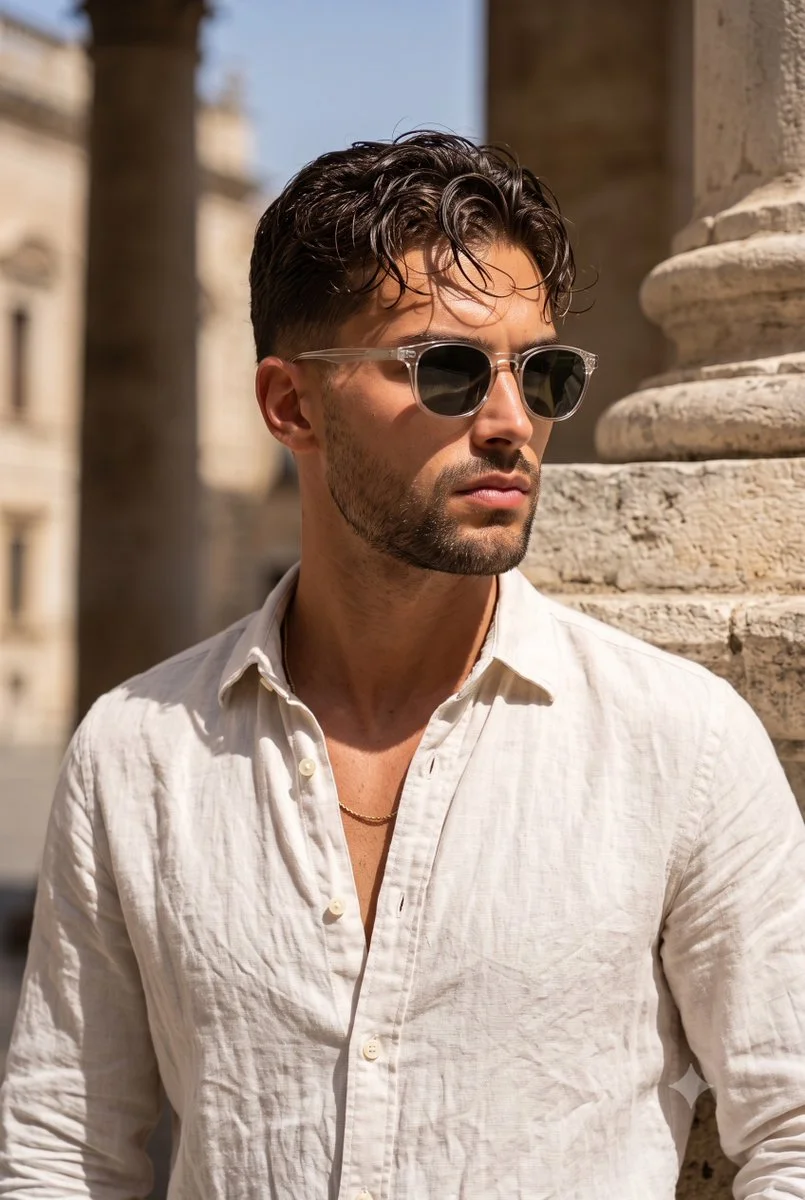
Mediterranean Linen Street Portrait
프롬프트 보기
Photograph an adult man in a lightly rumpled off-white linen shirt and translucent-frame sunglasses beside a weathered limestone building. Frame him from the waist upward with his head turned slightly to one side and his posture relaxed. Include a small gold chain and naturally textured, tousled dark hair. Use strong summer sunlight to create clear shadows beneath the glasses, collar and jaw. Let the pale stone background soften slightly while retaining its rough surface. Aim for a warm, understated travel-fashion portrait with realistic skin and fabric.
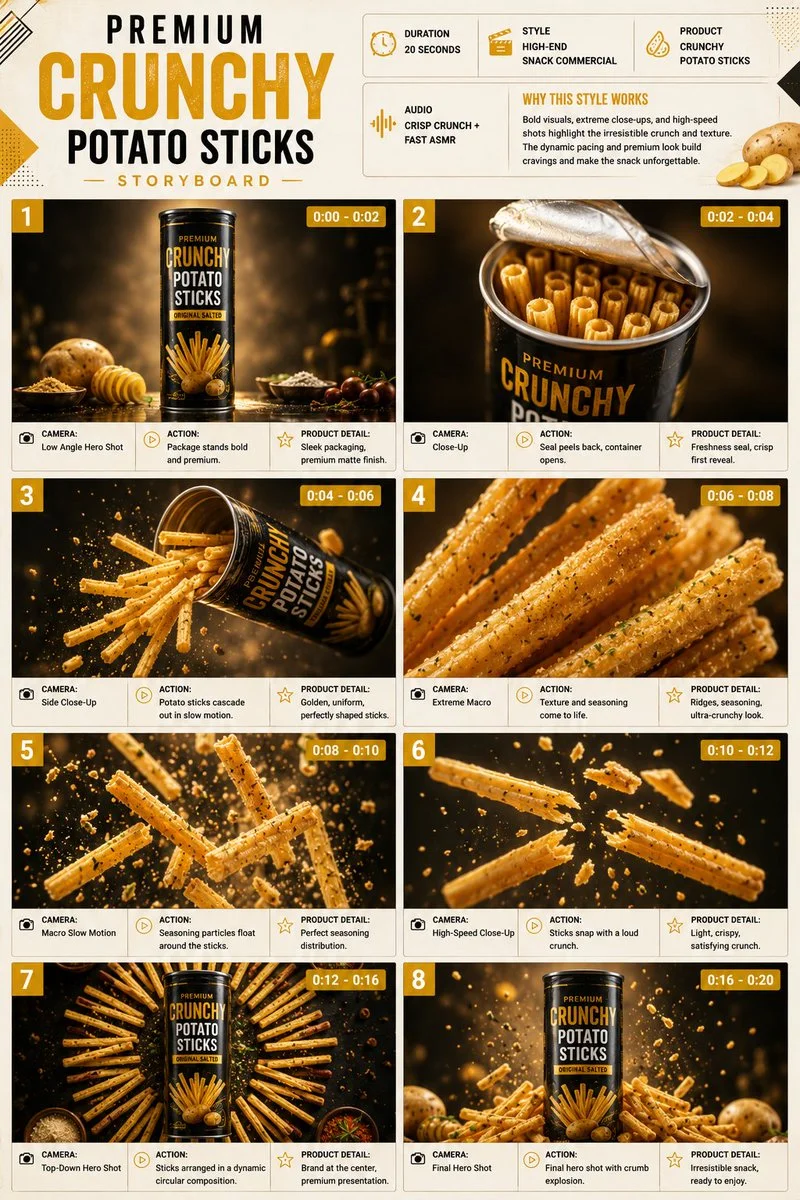
Crunchy Potato Sticks Ad Storyboard
프롬프트 보기
Premium 3:4 storyboard for 20s high-end snack potato sticks commercial. Header: duration, snack style, sticks product, crunch ASMR, yellow-cream-black palette. Eight panels: tube on glossy, opening cascade slow-mo, extreme ridge seasoning macro, particles float, snap with crumbs, circular arrangement, final hero overflowing explosion. High-speed, extreme macro, slow-mo, low-angle, push-in. Ultra-realistic crispy texture, seasoning, sharp packaging, studio lighting, 8K, product hero.
Pastel Vinyl Figures
프롬프트 보기
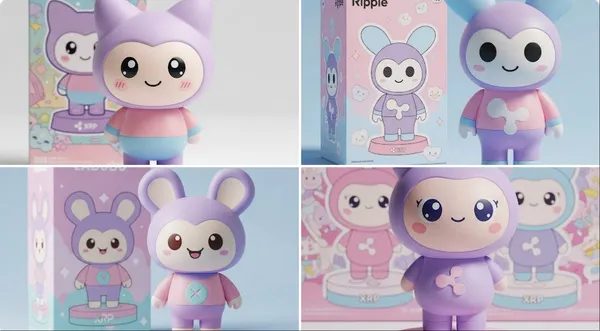
te pastel vinyl figure of [INSERT YOUR CHARACTER OR OBJECT], pastel colors (lavender, soft pink, baby blue), kawaii style with big round eyes and friendly smile, simple rounded shapes, stylized “RIP” detail somewhere on the figure or base, matching toy packaging in the background with themed art, studio product photo with soft lighting, minimal shadows
Hyperrealistic Beautiful Woman Portrait
프롬프트 보기
a-detailed, photorealistic portrait of a beautiful woman, high fashion editorial, deep white plunging V-neck lace sequined evening gown, elegant low bun updo, soft studio lighting, light grey background, dramatic shadowplay, hyperrealistic, 8K
GPT Image 2.6 Sunburst - Paper Lantern Moonlight GIF
프롬프트 보기
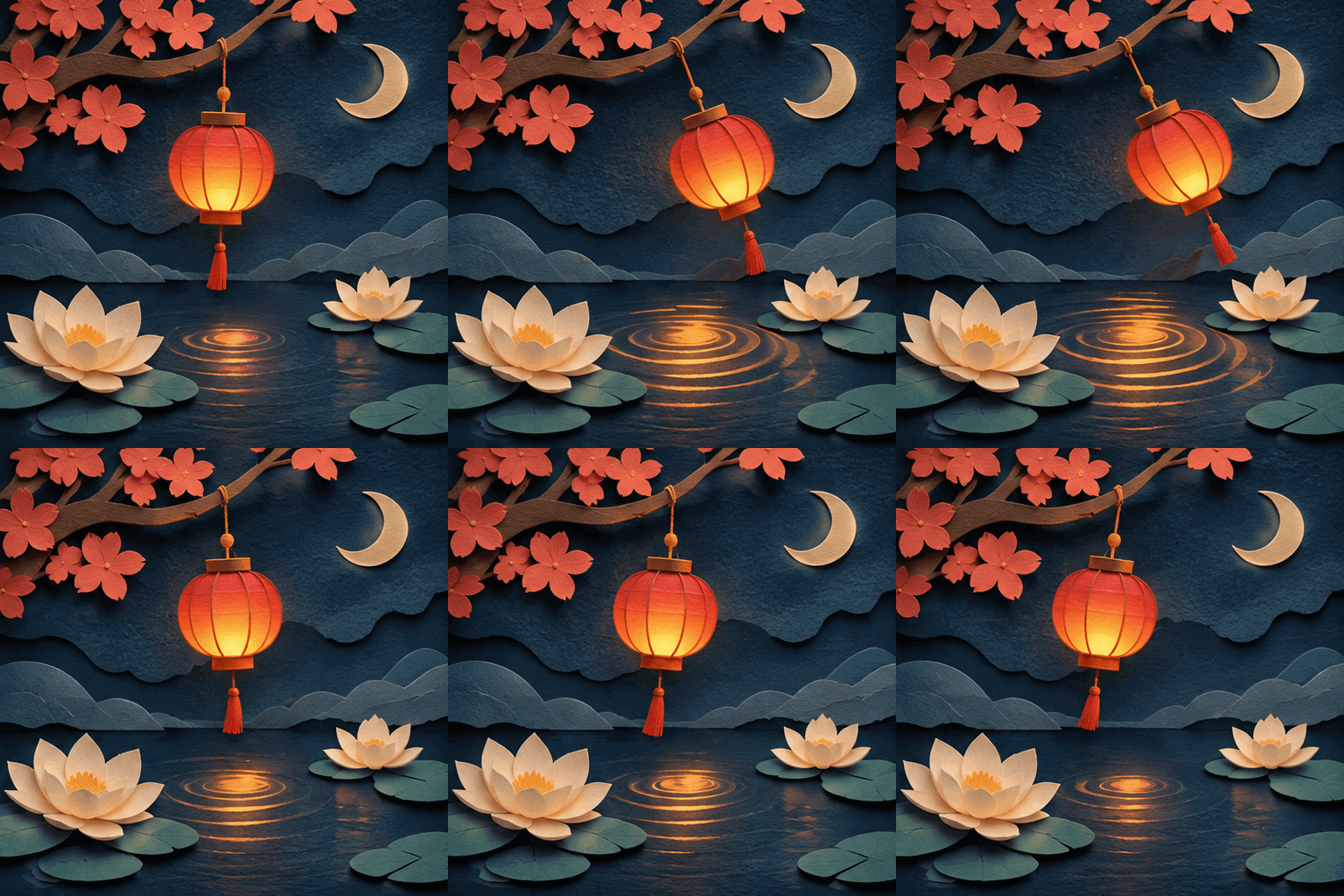
Create an animated GIF with a seamless 1.8-second loop, exactly nine frames. A carefully layered paper-cut diorama: a small red lantern suspended above a calm midnight-blue pond, two ivory lotus flowers and a crescent moon. The lantern gently sways left and right and its warm reflected light makes a small expanding ripple which returns seamlessly to the starting state. Keep the paper texture, moon, flowers, scene geometry and locked camera consistent throughout. Exquisite cut-paper edges, cinematic soft lighting, blue and coral palette, centered square composition. No text, no logo, no watermark.
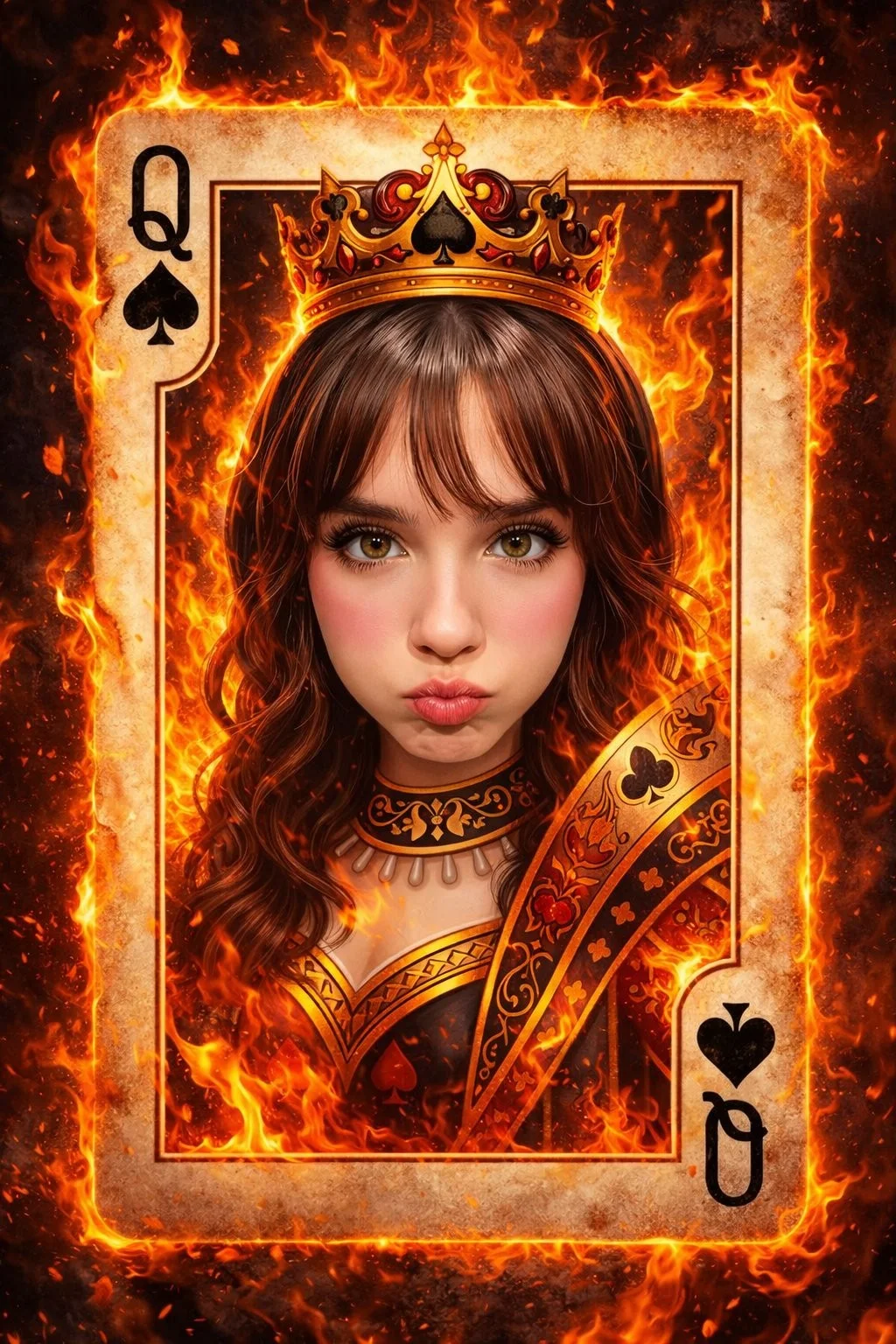
Blazing Queen of Spades
프롬프트 보기
Ultra-detailed fantasy playing card illustration of the Queen of Spades, featuring the exact same young woman's face from the reference image, centered inside a royal playing card frame. She wears a luxurious black-and-gold queen outfit with spade symbols, an ornate golden crown with a black spade jewel, glowing embers around her. The card border is engulfed in dramatic realistic fire, sparks and smoke floating through the scene. Cinematic lighting, warm orange fire glow reflecting on her face, dark fantasy style, hyper-realistic face, ultra sharp focus, 8k, extremely detailed textures, symmetrical composition, magical atmosphere, epic, unique, majestic, high contrast, professional digital art.
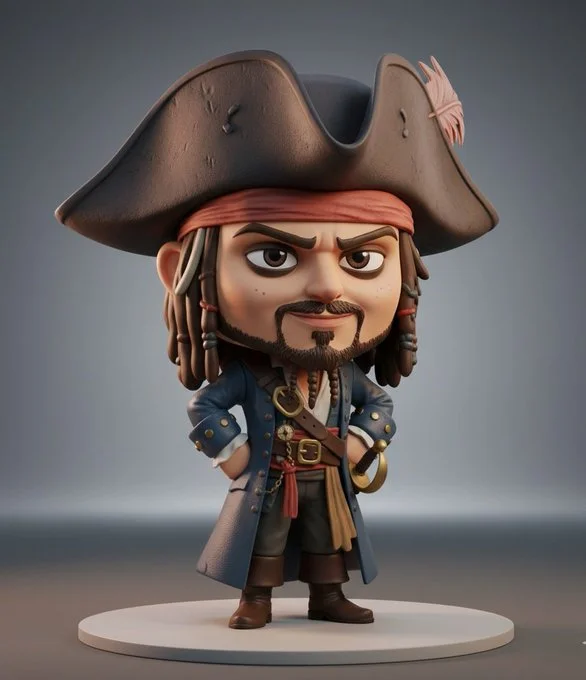
Character Becomes 3D Collectible Chibi Figure
프롬프트 보기
3D collectible chibi-style figure of [insert celebrity or character name], ultra-detailed, stylized proportions (large head, small body), expressive face, cinematic lighting, soft shadows, Pixar-quality realism, glossy vinyl toy texture, standing pose, high detail clothing, character-accurate outfit, professional product photography, rendered in Unreal Engine 5, on a minimal studio background, toy display aesthetic, 8K ultra realistic
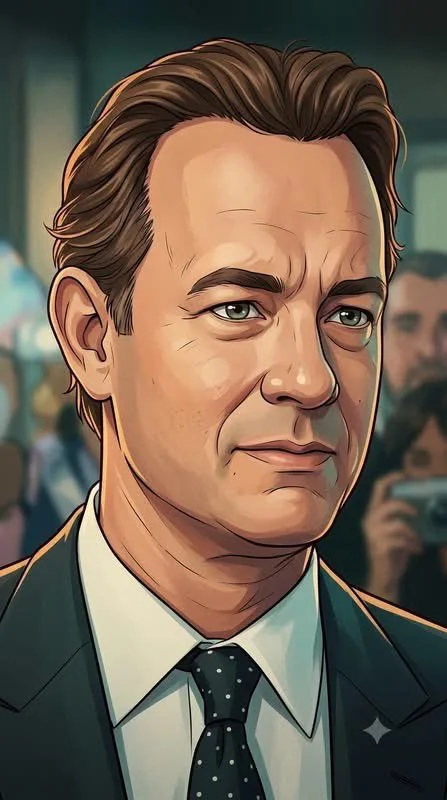
Cinematic 2D Anime-Style Illustration
프롬프트 보기
Using an uploaded portrait as the subject reference, create a vertical 9:16 image. Redraw the subject as a polished cinematic 2D character illustration. Preserve recognizable facial structure while simplifying forms through clean outlines, gentle cel shading and soft painted gradients. Use expressive eyes, layered hair shapes and subtle texture rather than a glossy photographic finish. Light one side with a warm rim glow and use muted teal shadows for depth. Keep the background softly atmospheric and secondary to the face. Give the vertical portrait a nostalgic animated-film-poster mood with crisp details and balanced proportions.