

From an Idea to Your Next Image
One model family, two starting points
Start with a description when you need a new visual. Switch to image to image when a photograph, sketch, or existing design should guide the next result. The reference and your written instructions work together; exact preservation is not guaranteed.
Describe the edit in everyday language
Describe what to change and what to keep. A new backdrop, different lighting, or a material change is easier to assess when you ask for one clear adjustment. Compare fine details with the source before using the result.
Choose an Image Model
The model selector shows the versions enabled for this workspace. Each version has its own supported editing options, output settings, and credit cost. Select a version for your task rather than assuming every model has the same capabilities.
Develop a visual through comparison
Review composition, colors, lettering, and subject details after generation. Use the result to decide what your next instruction should address. For exact logos or typography, finish the final details in your usual design editor.
Image Ideas for Your Creative Workflow
Product scene exploration
Use a product image to explore a seasonal backdrop or lighting direction. Name the product details to retain, then check labels, proportions, and colors against the actual item. Treat the result as a creative direction that needs your review.
Social and campaign visuals
Describe the subject, setting, mood, and intended framing for a new image. Use a reference when an existing visual should guide the campaign. Refine the prompt around the placement of the subject and room for your final headline.
Design concepts and illustrations
Turn a written brief into a visual concept, or use a sketch to guide an image to image variation. Compare styles and materials with a consistent instruction so the differences are useful in a creative review.
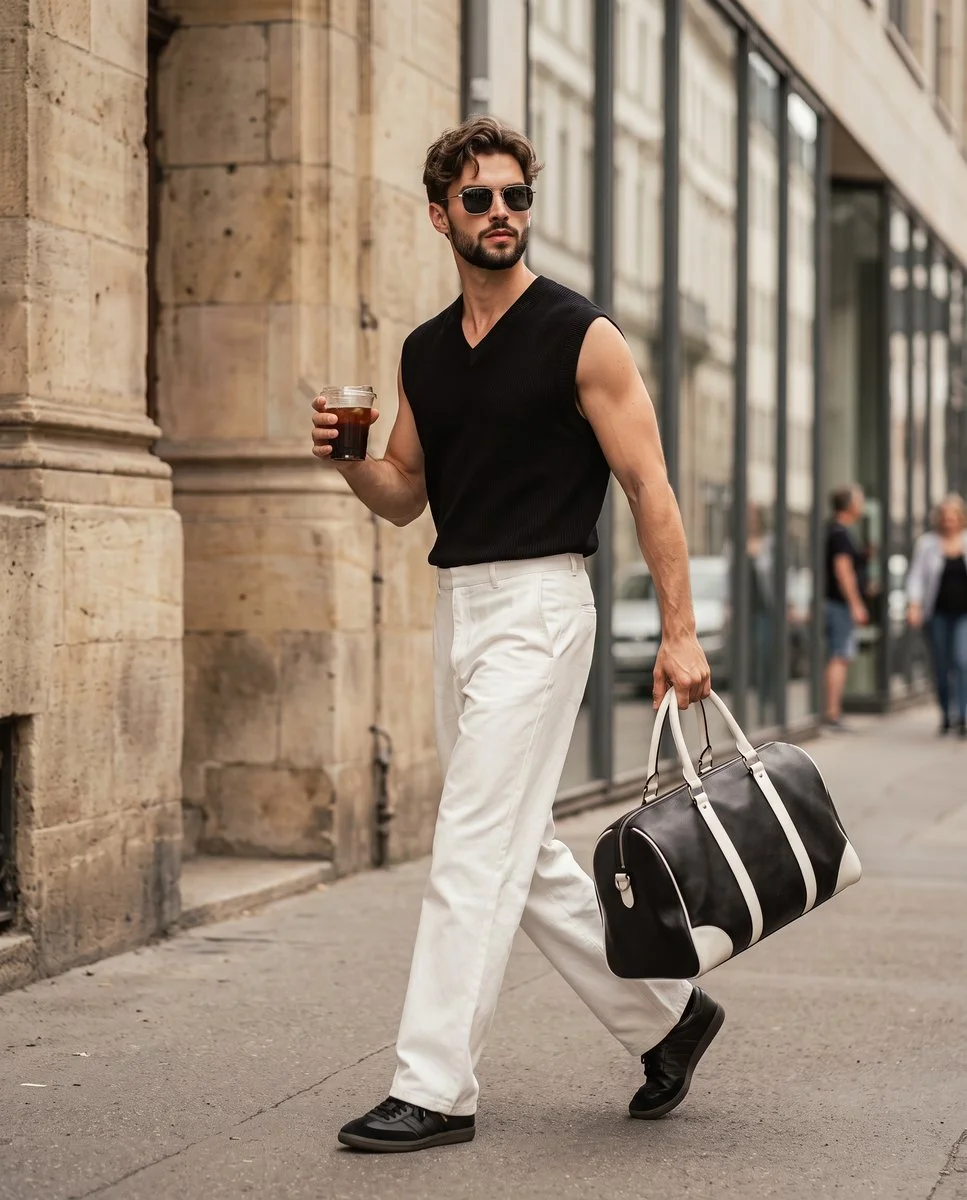
Photo style experiments
Explore a different setting or visual treatment around a familiar image. Make the requested change specific and check the identity and details of the subject. Keep the original so you can compare or return to it.
How to Use the AI Image Generator
Choose text or a reference
Select Text to Image for a new image from a written prompt. Choose Image to Image and add a supported reference to work from an existing picture. Select a model that supports your task.

Describe the result and check settings
State the subject, composition, lighting, and style. For an edit, explain what should change and what should remain. Choose the settings offered by your model and review the credit cost before submitting.
Generate, compare, and refine
Submit your request without signing up. Review the completed result in your history, compare it with your brief or reference, and use a more specific instruction for the next variation. Open or download the result through the existing asset controls.
Write a Clearer Image Prompt
Subject and composition
Begin with the subject and where it belongs in the frame. Include the background and lighting that matter to the image. A clear description gives you a useful basis for assessing the result.
Change and keep
For image editing, separate the change from the details you want to preserve: “Place the ceramic cup on a wooden desk. Keep its blue glaze and handle shape. Add soft window light.” Review those details after generation.
Refine one decision
If the result is close, narrow the next request to one issue, such as softer shadows or a simpler backdrop. Changing the style, framing, and subject together makes it harder to tell which instruction helped.
AI Image Questions, Answered
Can I create images from text and references?
Choose a model in the generator to see its supported modes. Use text to describe a new image, or select a supported reference-image workflow when you want to build on an existing picture.
What reference image should I use?
Choose a clear image that shows the subject and framing you want to guide the edit. Use the media picker to upload a supported image or choose an existing asset. Follow the file requirements shown there.
How do I change an image without changing everything?
Describe the specific adjustment and name the details to keep. Use the original as a reference and compare the result carefully. Faces, lettering, product geometry, and colors may still change.
Which sizes and resolutions can I select?
Output options depend on your selected image model. Use the aspect ratios and sizes shown in the generator, and review the live credit quote after changing settings.
How many credits does generation use?
The generator displays the credit cost for the selected model and settings before submission. Review that amount each time you change an option. See the pricing page for available plans and credit purchases.
Where can I find my generated images?
After signing in, open the history tab or your Assets page to review completed generations. The existing asset controls let you inspect and download a result. You can use a supported image as a reference for a new editing request.
Can I request a refund for my purchase?
You can request a refund within 10 days of purchase if you have unused credits from that purchase and provide a clear reason, subject to our Refund Policy. If eligible, an unused purchase can be fully refunded; a partly used purchase is refunded in proportion to its remaining unused credits. Fully used purchases and free or promotional credits are not refundable.
Do credits expire or carry over?
Credit validity depends on the pack, subscription or promotion that issued them. Review the purchase terms and expiration dates in Settings > Credits. A renewal or new purchase does not extend older credits. Use credits before their stated expiration; do not assume unused subscription credits roll over indefinitely.
What happens to credits if generation fails?
Credits charged for a task that is confirmed as failed due to a system error are returned automatically. A task that is still processing has not yet been confirmed as failed. Check its status and your credit history before submitting again. If a confirmed failure still shows an unresolved charge, email support@qwen4max.com with the task ID.
Can I get credits back if I do not like the result?
AI results can vary, so a completed result that differs from your expectations is not automatically treated as a technical failure. Eligible completed image tasks can be submitted for credit refund review using the refund option where available; approval is required. For a video or another issue, contact support@qwen4max.com with the task ID and details. A credit refund returns credits, not money to your payment method.
How can I get help with billing or a generation?
Email support@qwen4max.com. For billing, include your account email and order ID; for generation, include the task ID, issue description and relevant screenshots. If you purchased as a guest, keep the original browser data and payment receipt so we can help locate the purchase.
Make Your Next Image with Qwen4Max
Bring your idea to Qwen4Max, choose your starting mode, and review the available settings before generating.
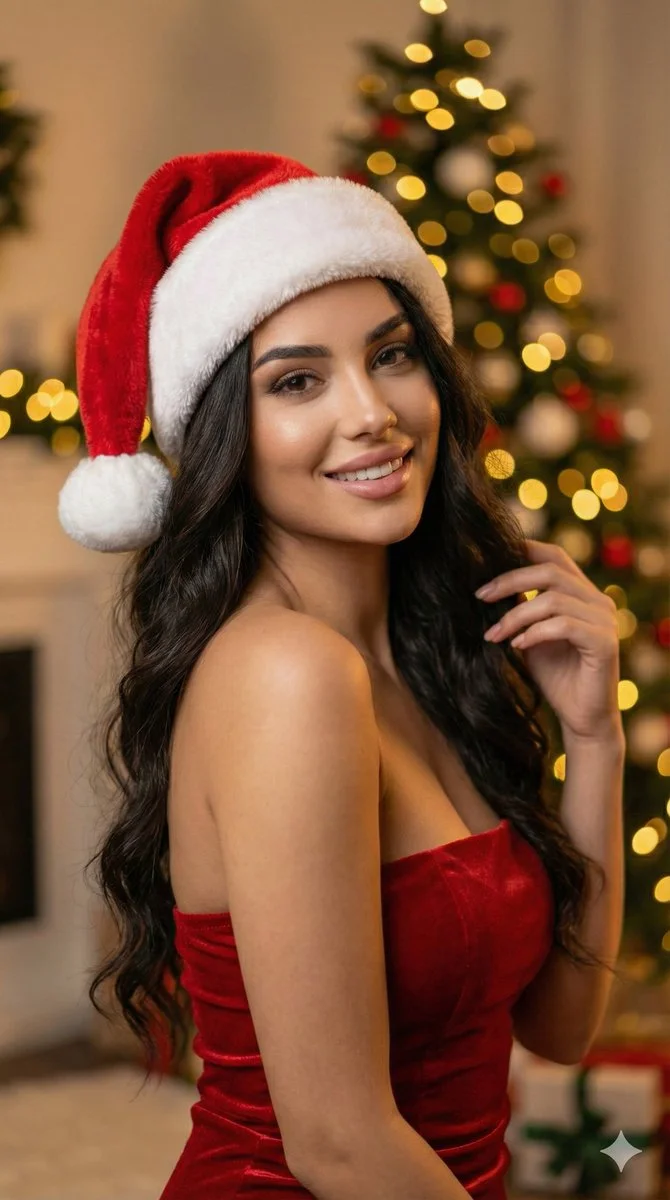
Create an ImageChristmas Glam Santa Hat Portrait
View prompt
Ultra-realistic 8k portrait of a stunning young woman with long, dark, wavy hair, wearing a plush red and white Santa hat and a fitted red strapless dress. She has a soft, alluring expression looking directly at camera. Background: softly blurred Christmas tree with glowing golden bokeh lights. Warm festive atmosphere. DSLR photography, cinematic lighting, warm ambient light, high detail skin texture, bokeh effect, depth of field, f/1.8 aperture, 85mm lens. Aspect ratio 9:16, cinematic portrait style.
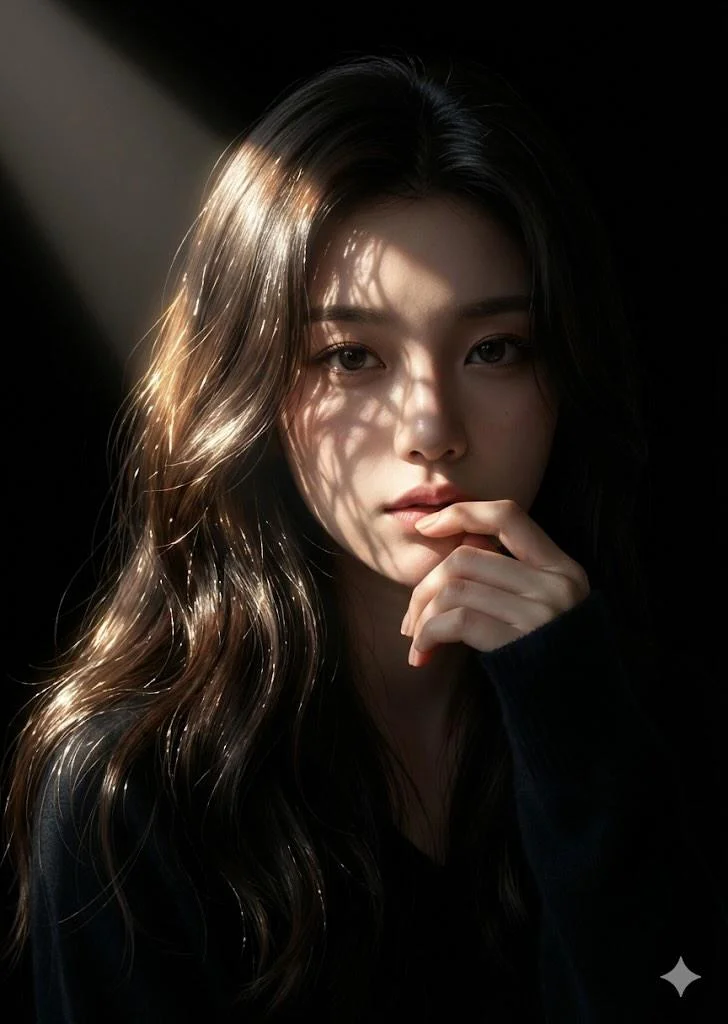
Cinematic Leaf-Shadow Portrait
View prompt
Close-up photographic portrait of young East Asian woman with long wavy dark brown hair, soft rim lighting. Sunlight rays through foliage cast delicate intricate leaf shadows on face and forehead. Contemplative expression, one hand softly near lips, dark navy blue sweater. Completely dark background for high-contrast cinematic chiaroscuro with warm golden highlights. Hyper-realistic 8K, 85mm portrait lens, soft depth of field.
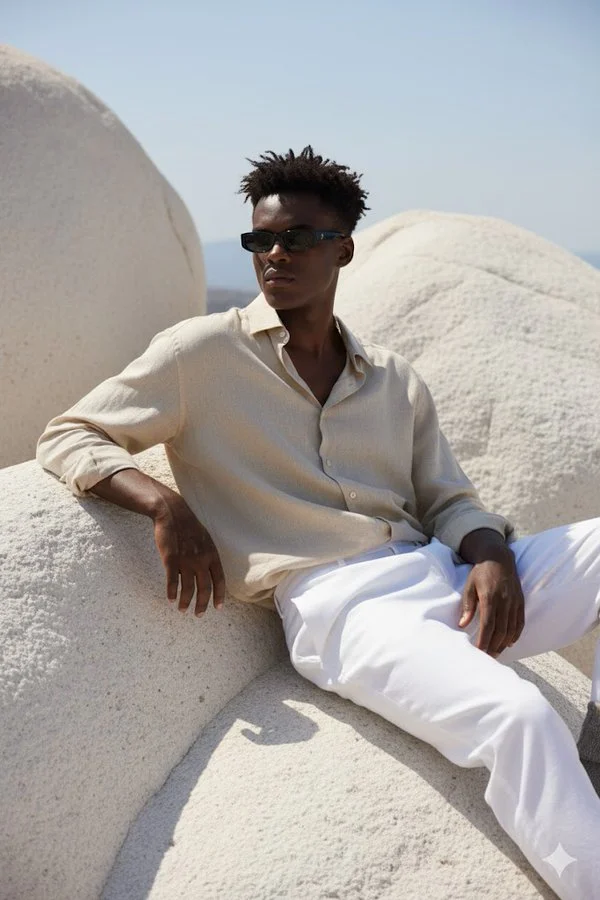
Sitting on Huge Smooth White Rock Formation
View prompt
A hyper-realistic portrait of a young man sitting on large, smooth white rocky formations under natural sunlight. He is wearing a loose, slightly crumpled beige linen shirt with the top buttons open, paired with white trousers. His outfit gives a relaxed, Mediterranean vibe. He is leaning back, one arm resting on the rock, and the other hand on his knee, looking slightly to the side. He wears slim black rectangular sunglasses. His hairstyle is short, slightly messy, and the sunlight casts soft shadows across his outfit and the textured rocks. The overall atmosphere is calm, stylish, and Mediterranean-inspired. The face should match exactly with the reference photo.
Pop Art Portrait
View prompt
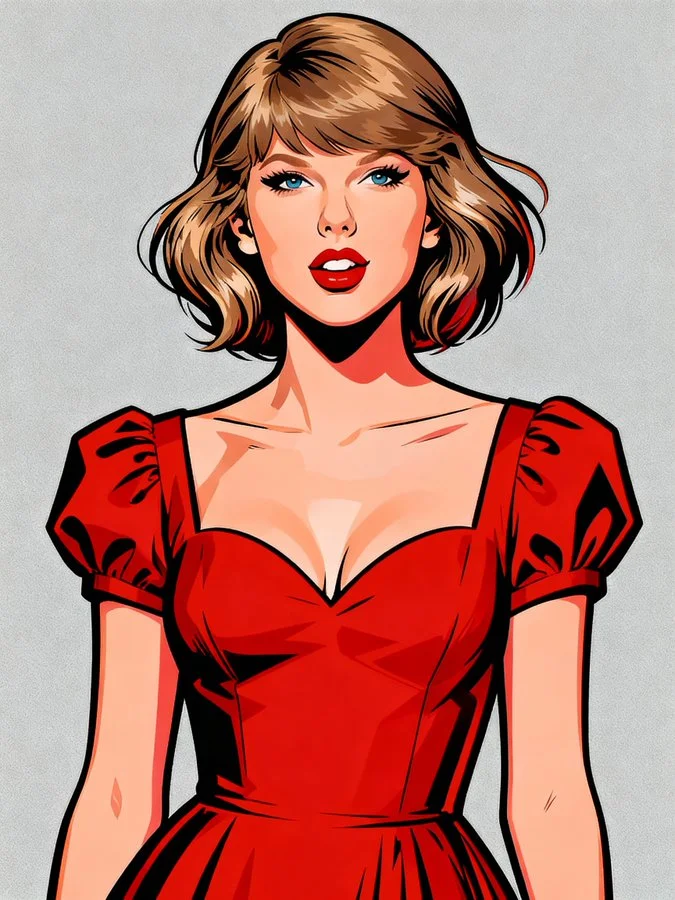
A vibrant, stylized pop art portrait of a [Subject]. The subject is rendered with bold, clean lines and a strong outline, reminiscent of graphic novels or character design. The [Subject] is wearing a [Color] top/jacket and [accessories]. Their hair is dynamically styled and well-groomed. The background is a solid, clean [Background Colour], ensuring the subject pops. The overall style is modern, charismatic, and slightly exaggerated for artistic effect, with crisp digital rendering and vibrant color saturation.
Weather App
View prompt
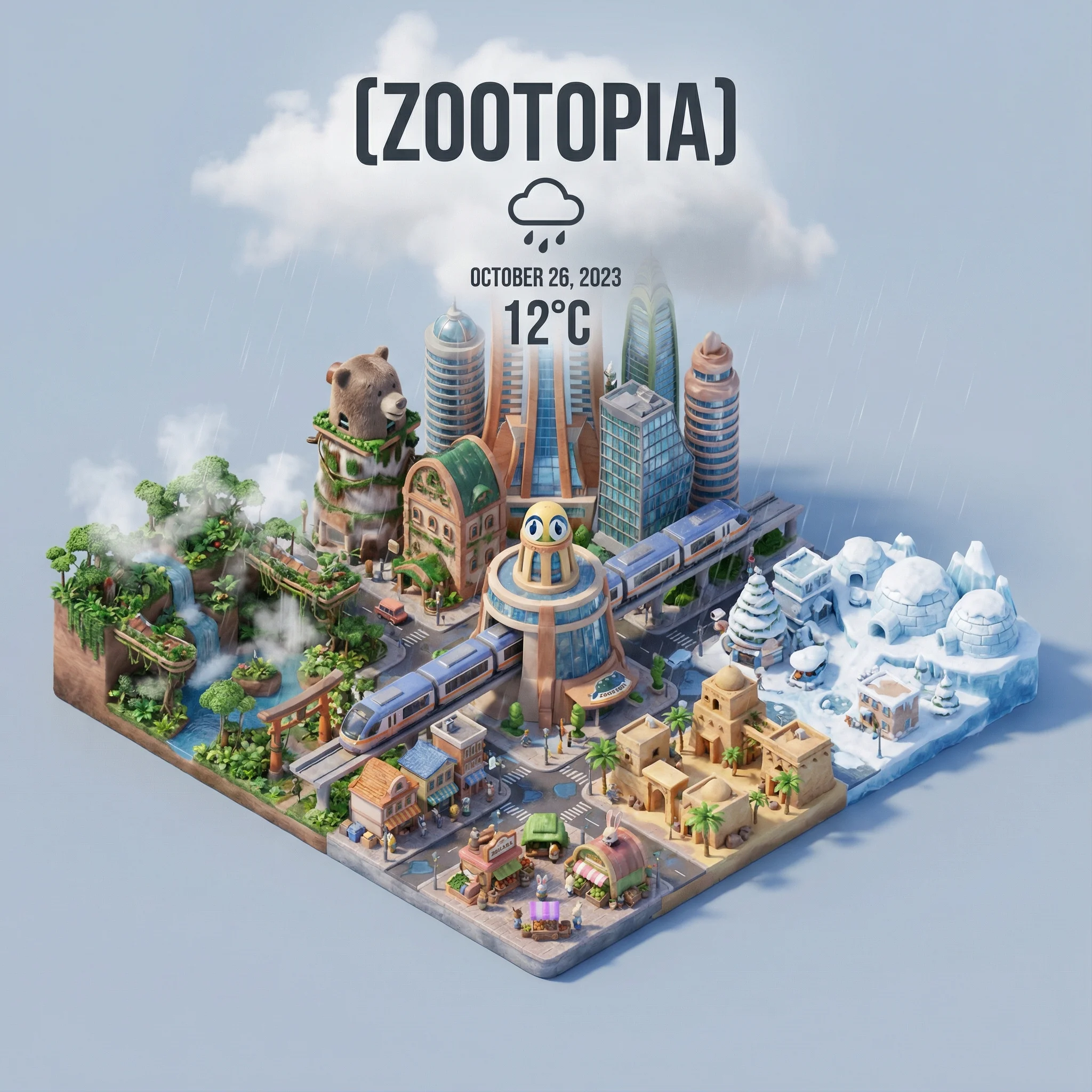
=xxx Present a clear, 45° top-down isometric miniature 3D cartoon scene of [CITY], featuring its most iconic landmarks and architectural elements. Use soft, refined textures with realistic PBR materials and gentle, lifelike lighting and shadows. Integrate the current weather conditions directly into the city environment to create an immersive atmospheric mood. Use a clean, minimalistic composition with a soft, solid-colored background. At the top-center, place the title “[CITY]” in large bold text, a prominent weather icon beneath it, then the date (small text) and temperature (medium text). All text must be centered with consistent spacing, and may subtly overlap the tops of the buildings. Square 1080x1080 dimension.
Fictional English Movie Poster - Taste of Memory
View prompt
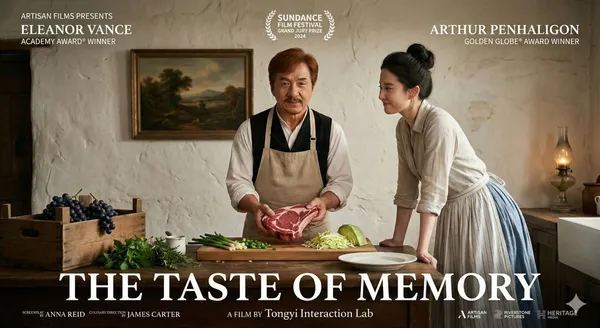
vie poster for the fictional English-language film "The Taste of Memory." The scene is set in a rustic 19th-century-style kitchen. In the center, a middle-aged man with reddish-brown hair and a small mustache (portrayed by Jackie Chan) stands behind a wooden table, wearing a white shirt, black vest, and beige apron. He gazes at the camera, holding a large piece of raw red meat over a wooden cutting board. To his right, a black-haired woman with a high bun (portrayed by Liu Yifei) leans against the table, smiling gently at him. She is dressed in a light-colored blouse and a long skirt that is white on top and blue below. On the table, besides the cutting board with chopped scallions and shredded cabbage, there is a white ceramic plate, fresh herbs, and a cluster of dark grapes resting on a wooden crate to the left. The background features a rough, off-white plastered wall adorned with a landscape painting. On the far right, a countertop holds a retro oil lamp. The poster includes extensive text. In the upper left, white sans-serif text reads "ARTISAN FILMS PRESENTS," followed by "ELEANOR VANCE" and "ACADEMY AWARD® WINNER" below. The upper right displays "ARTHUR PENHALIGON" and "GOLDEN GLOBE® AWARD WINNER." At the top center, the Sundance Film Festival laurel logo is accompanied by "SUNDANCE FILM FESTIVAL GRAND JURY PRIZE 2024." The main title, "THE TASTE OF MEMORY," is prominently featured in large white serif font across the lower half. Below the title, it notes "A FILM BY Tongyi Interaction Lab." The bottom section lists the full credits in small white text, including "SCREENPLAY BY ANNA REID," "CULINARY DIRECTION BY JAMES CARTER," and logos of production companies such as Artisan Films, Riverstone Pictures, and Heritage Media. The overall style is realistic, with warm, soft lighting creating an intimate atmosphere. The color palette consists of earthy tones like brown, beige, and muted green. Both actors are cropped at the waist.
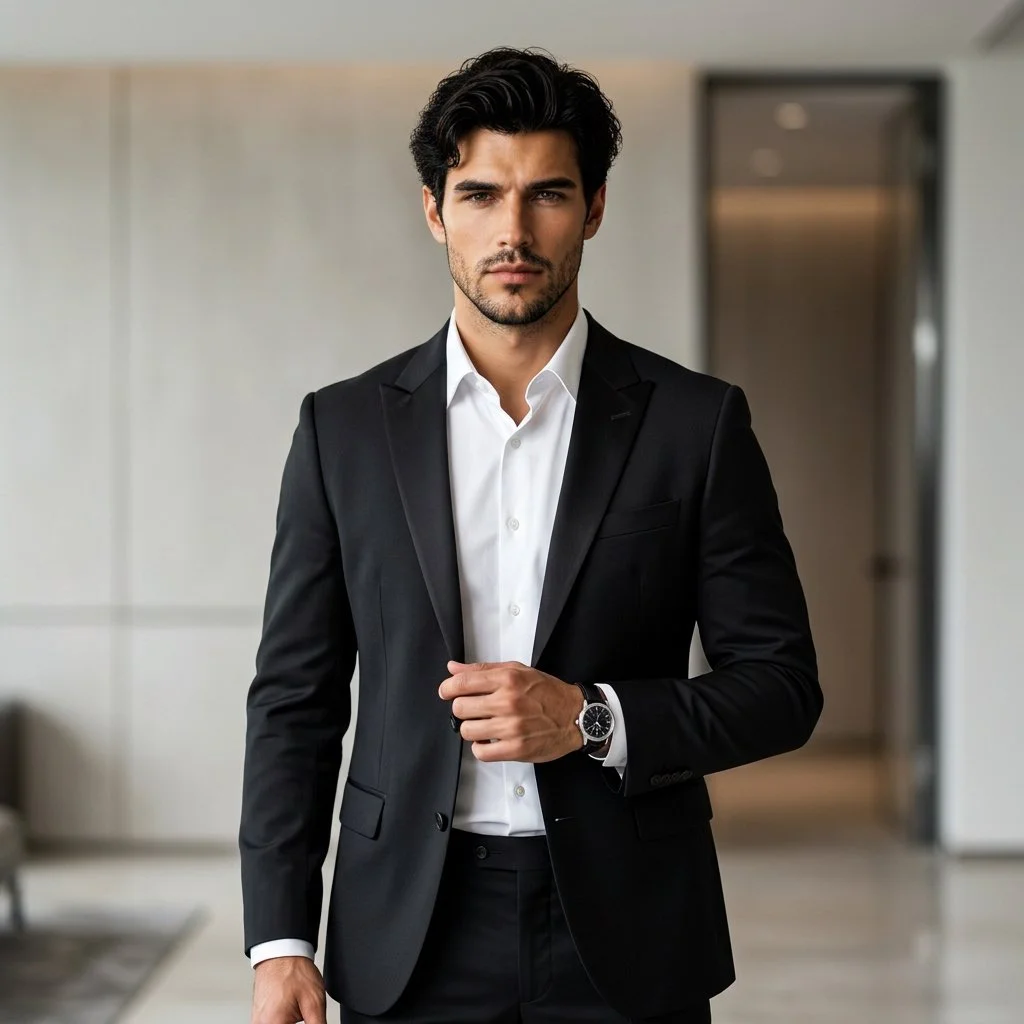
Formal Professional Studio Portrait
View prompt
Using an uploaded adult portrait as the identity reference, create a professional fashion photograph in a modern interior. Dress the subject in a fitted black suit and crisp white shirt, with understated accessories. Pose them standing confidently with relaxed shoulders, one hand near the jacket and a natural direct gaze. Preserve the reference facial structure, skin tone and age. Use soft directional lighting, gentle background blur and subtle architectural details. Keep the eyes sharp and the fabric, hair and skin realistic for a refined formal portrait.
European Streetwear Walk
View prompt
Create a candid fashion photograph of an adult man walking along a European-style stone street. Dress him in a black sleeveless knit top, wide white trousers, dark sneakers and sunglasses. Have him carry an iced coffee in one hand and a large black-and-white duffel bag in the other. Capture a natural mid-stride pose beside textured pale stone facades and reflective shop windows. Use soft daylight, restrained black-white-beige colors and a gently blurred background. Keep the clothing folds, bag handles and pavement details believable.
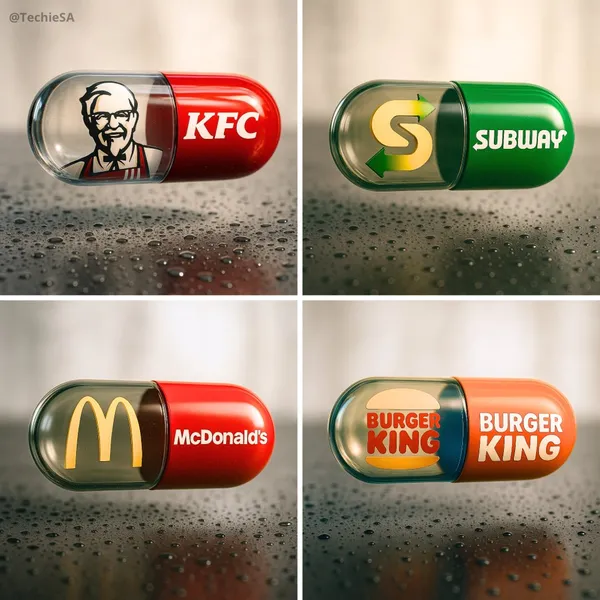
Brand Fast-Food Capsule
View prompt
te a hyper-realistic, stylish poster [1080x1080] aspect ratio featuring a horizontal tablet-capsule hovering above a surface covered in condensation and water droplets, with its shadow cast on the wet ground. One side of the capsule is transparent glass, while the other is glossy [BRAND COLORS] plastic, displaying the [BRAND] logo and name. Seamlessly floating inside the glass portion of the capsule is a photorealistic 3D model of the [BRAND LOGO OR ICON], perfectly centered and suspended in zero gravity. The glass and plastic surfaces showcase strong reflections, refractions, and environmental distortions. The background is a softly blurred, elegant light-toned setting. Use a dynamic perspective with a stylish camera angle, professional studio lighting, and ultra-high detail to make the image look like a DSLR-captured photograph with impeccable realism.
Gradient Extrude Google I/O 2025 Visuals
View prompt
xture this image in the following JSON style aesthetic: { "styleAesthetic": { "title": "Isometric Multicolor Extrusion with Grid Control", "overallVibe": "Playful modern 3D iconography with directional extrusion and dynamic isometric grids", "viewAngle": { "type": "Isometric", "facingDirection": "right", // options: left, right, front "rotationDegrees": { "x": 30, "y": 30 } }, "renderingStyle": "Clean 3D extruded vector with soft lighting and high contrast between faces", "objectSurface": { "frontFace": { "color": "#ffffff", "material": "Matte white plastic", "lighting": "Soft diffuse" }, "extrudedSide": { "type": "Multicolor gradient", "gradientStyle": "Diagonal sweep", "colorStops": [ "#ff0040", "#ff8000", "#ffff00", "#00ff90", "#00cfff", "#8000ff" ], "material": "Glossy plastic", "lighting": "Ambient with light falloff" } }, "extrusion": { "direction": "right", // determines which side is extruded: left, right, front "depth": "moderate" }, "shadows": { "type": "Drop shadow", "direction": "bottom-right", "opacity": 0.15, "blurRadius": "6px" }, "background": { "type": "Isometric grid", "color": "#ffffff", "gridStyle": { "lineColor": "#e0e0e0", "lineWeight": "1px", "orientation": "opposite-extrusion" // automatically flips grid lines to oppose the extrusion direction } }, "moodKeywords": [ "Dimensional", "Clean", "Geometric", "Colorful", "Tactile", "Structured" ] } }
Levitating Magical Realism
View prompt
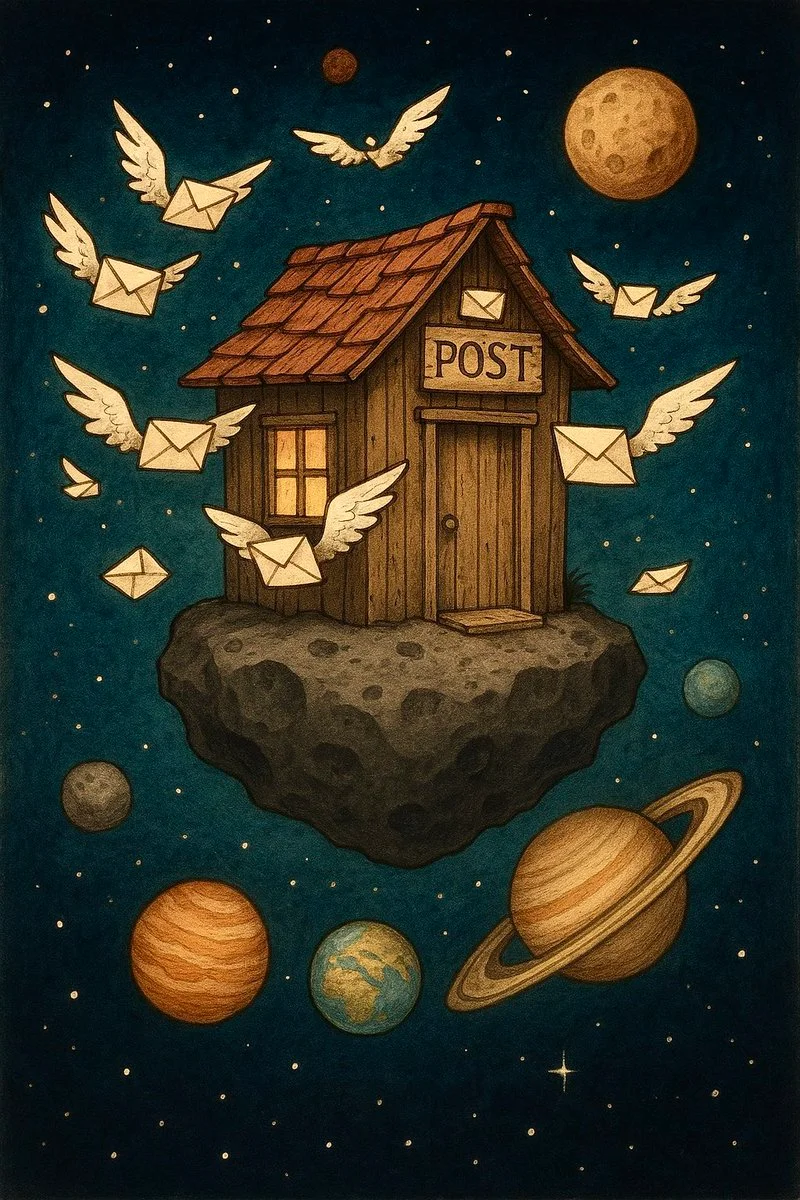
An old-fashioned postal shack floating on a space rock, with envelopes fluttering like wings and planets lined up as waiting customers - humorous, magical realism.
Food Delivery Rider Portrait
View prompt
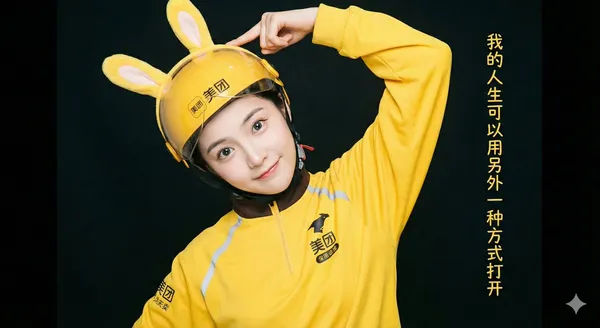
lf-body portrait shot in a bright photography studio. A beautiful East Asian girl with flawless, porcelain-doll-like skin and sparkling large eyes playfully tilts her head, gently touching the yellow rabbit ears on her helmet. She is wearing a full set of yellow delivery uniform with the Meituan logo. Soft, even commercial studio lighting is used to create a fresh and vibrant atmosphere, with a dark background to highlight the subject. On the far right of the image, a column of text reads, "My life can be opened in another way," in a font that matches the style of the photo.